⚡ New Pricing Is Live
- Credits Never Expire -
Unknowns Not Charged




Trusted by 4,740+ Companies Worldwide
An email list can look valuable on the surface, but even a small percentage of bad addresses can damage campaign performance. Invalid mailboxes, disposable emails, duplicates, catch-all domains, spam traps, and outdated contacts increase bounce rates and make it harder for your future emails to reach the inbox.
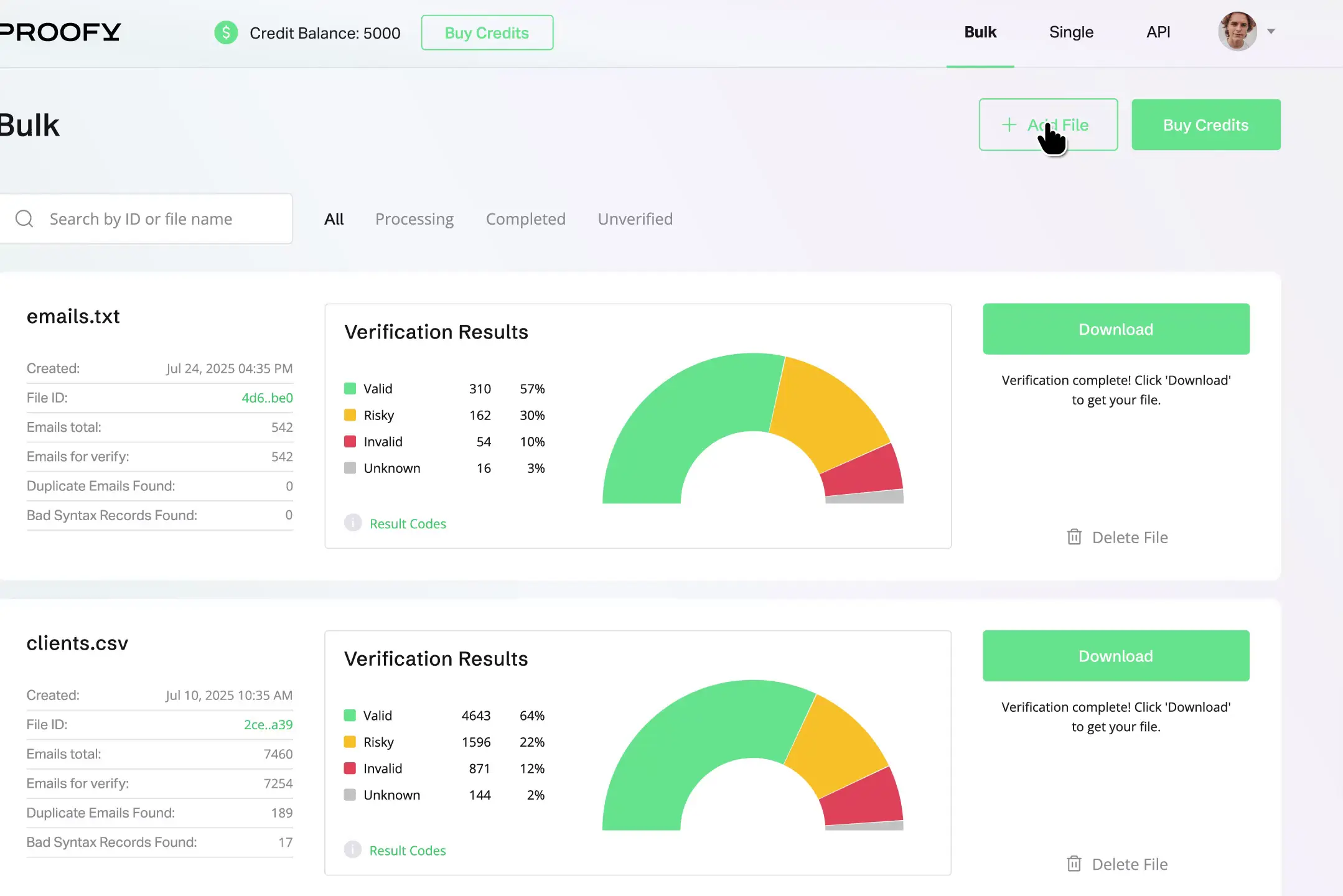
Proofy’s email list cleaning service helps you identify and remove risky contacts before you send. Upload your list, let Proofy analyze each address, and receive clear result categories such as valid, invalid, disposable, duplicate, catch-all, role-based, and risky. This makes it easier to segment your data and send only to contacts that are more likely to receive your message.
This page is focused on list hygiene for uploaded email databases, newsletters, CRM exports, and marketing lists. If you need real-time checks for forms or apps, Proofy also offers an Email Validation API. If you only need to check one address, use the Free Email Checker.

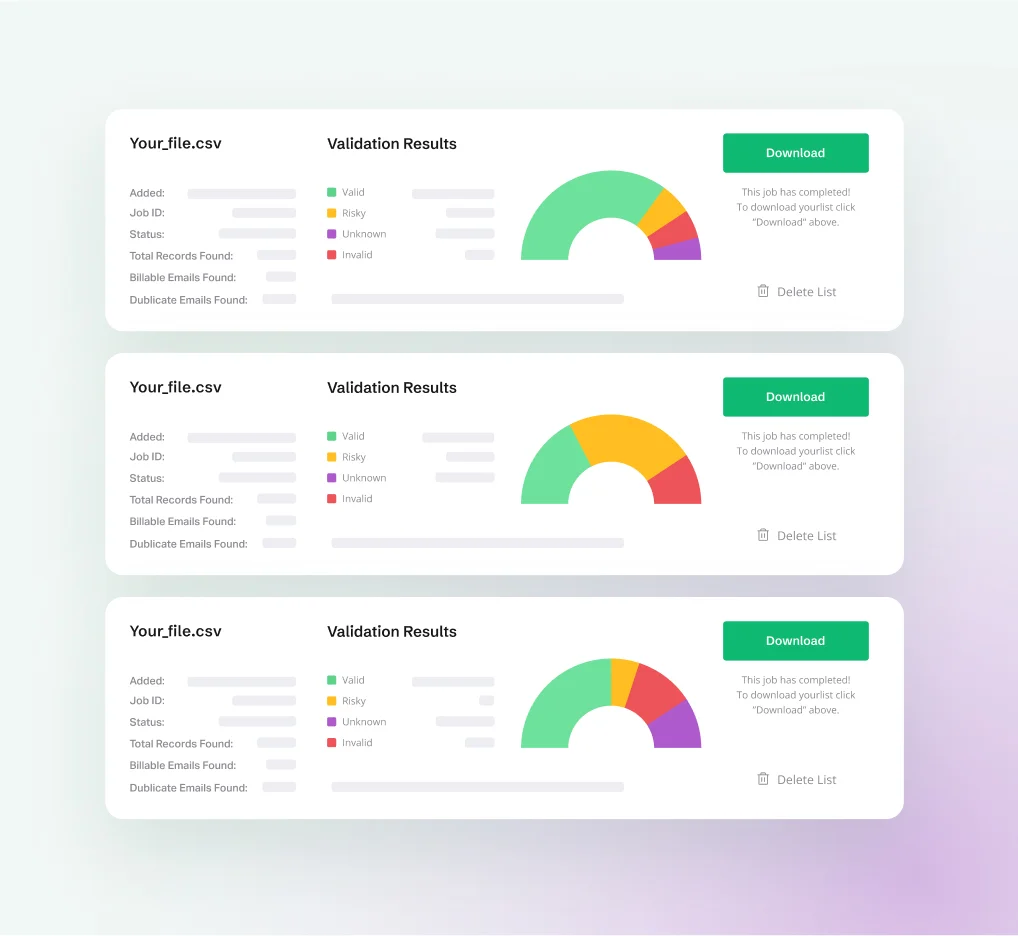


Proofy helps identify the types of contacts that can damage email performance or reduce list quality.
- Invalid emails - addresses that do not exist or cannot receive mail.
- Disposable emails - temporary addresses created for one-time use.
- Duplicate emails - repeated contacts that inflate your list size and reporting.
- Syntax errors - misspelled or incorrectly formatted email addresses.
- Inactive or broken domains - domains without working mail records.
- Catch-all emails - domains that accept all addresses, making deliverability uncertain.
- Role-based emails - addresses such as info@, admin@, support@, or sales@.
- Risky emails - addresses that may create higher bounce or complaint risk.
Email list cleaning is the process of checking an email database and removing invalid, disposable, duplicate, risky, and undeliverable addresses. The goal is to improve deliverability, reduce bounce rates, and protect sender reputation before you send a campaign.
There is no universal schedule. Review or clean a list before major sends or migrations, when the data is old or from uncertain sources, or when bounce and quality signals begin to deteriorate.
Proofy can identify invalid emails, disposable emails, duplicate contacts, syntax errors, inactive domains, catch-all addresses, role-based emails, and risky addresses. You can then export the clean segments you want to use.
Email verification checks whether individual email addresses are valid and deliverable. Email list cleaning uses verification results to clean an entire database, remove bad contacts, segment risky results, and prepare the list for safer sending.
Yes. Proofy supports bulk email list cleaning through file uploads. You can upload a list, process the addresses, review result categories, and export a cleaner file for your email platform or CRM.
Proofy is designed to process email lists securely and does not sell your uploaded data. For full details, users should review Proofy’s Privacy Policy, Terms of Service, and GDPR information before uploading sensitive data. Your files will be automatically deleted after 60 days.
Email list cleaning can help improve deliverability by reducing invalid, disposable, and risky addresses that may cause bounces or damage sender reputation. It does not guarantee inbox placement, but it gives your campaigns a cleaner and safer starting point.
Catch-all emails should be reviewed carefully. Some catch-all domains can receive mail, but they make mailbox-level verification uncertain. Many marketers separate catch-all results and test them more cautiously instead of mixing them with fully valid addresses.
Yes. After cleaning your list, you can export selected result categories, such as valid emails only, or keep a full file with status labels for review and segmentation.
Email list cleaning is not free. New users can start with 5,000 trial verification credits for $5 to test the cleaning workflow and result categories before processing larger databases.